Place and turn
Click or tap an empty cell to place a mirror. Tap the mirror to rotate it, or hold to remove it. Each reflection turns the beam by 90°.



We're UpFlyDev. We've been building software for twenty-something years now, for huge household names and for tiny two-person startups. Honestly? It's gotten pretty hard to surprise us.
New product? Old codebase nobody wants to touch? An AI idea you can't quite pin down? Bring it over. We'll find the smartest way to get it done, no drama, no wasted budget.
We move fast, keep things simple, and build stuff that just works.
 Lumen Light & Mirrors
The beam travels in a straight line. Place mirrors to turn it around corners and past obstacles until it reaches the crystal.
Free · No download needed


Free to start on iPhone, iPad and Android



FOLLOW THE LIGHT
Click or tap an empty cell to place a mirror. Tap the mirror to rotate it, or hold to remove it. Each reflection turns the beam by 90°.
Route the beam through coins on the board. If you get stuck, spend them on a hint that shows where to place or turn a mirror.
Each puzzle gives you only so many mirrors. In some rooms the light can travel only so far, and in others it slowly burns down while you look for a route. There, a shorter route or a quicker solve earns more stars.
FIVE BUILDINGS
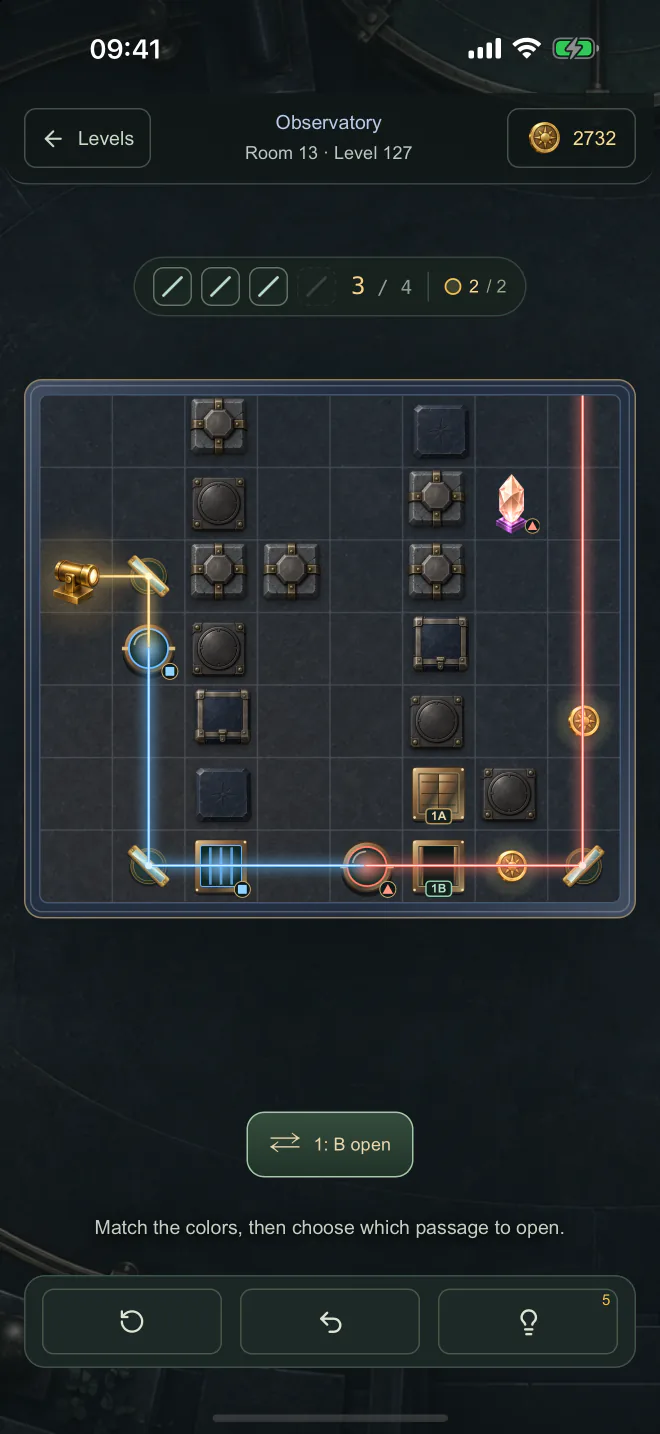
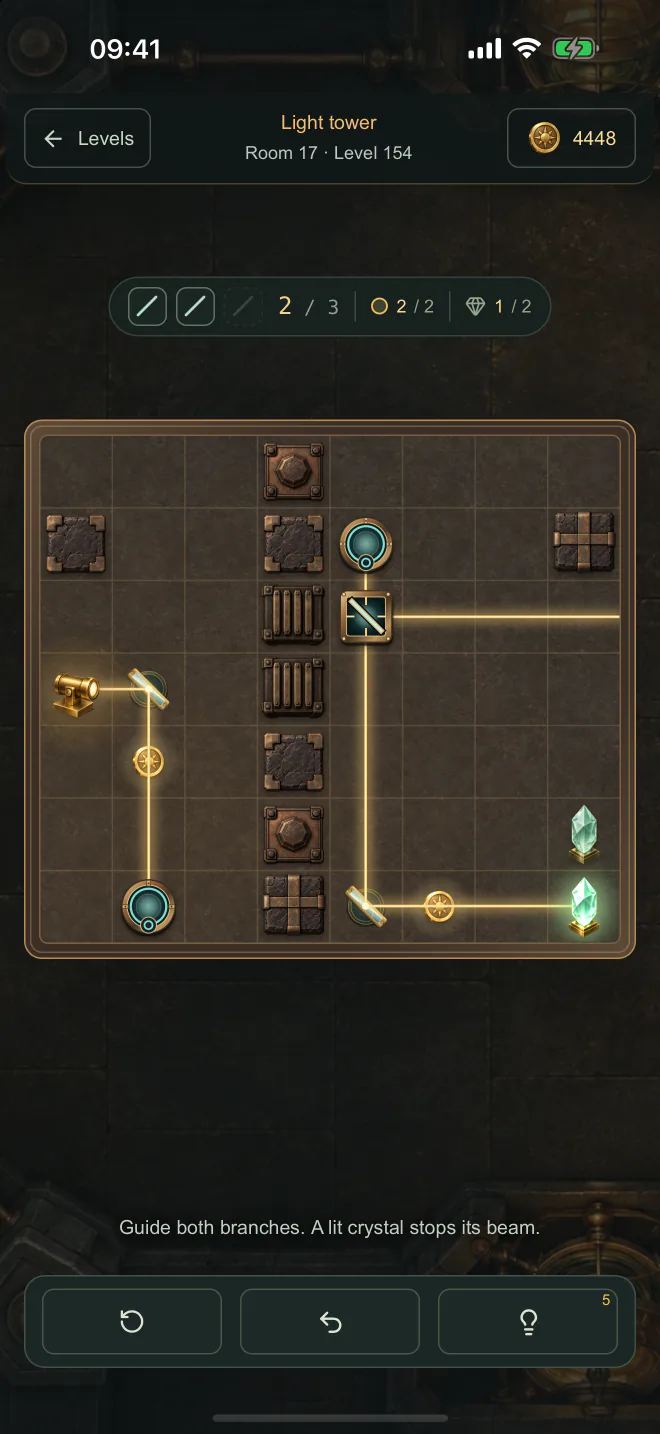
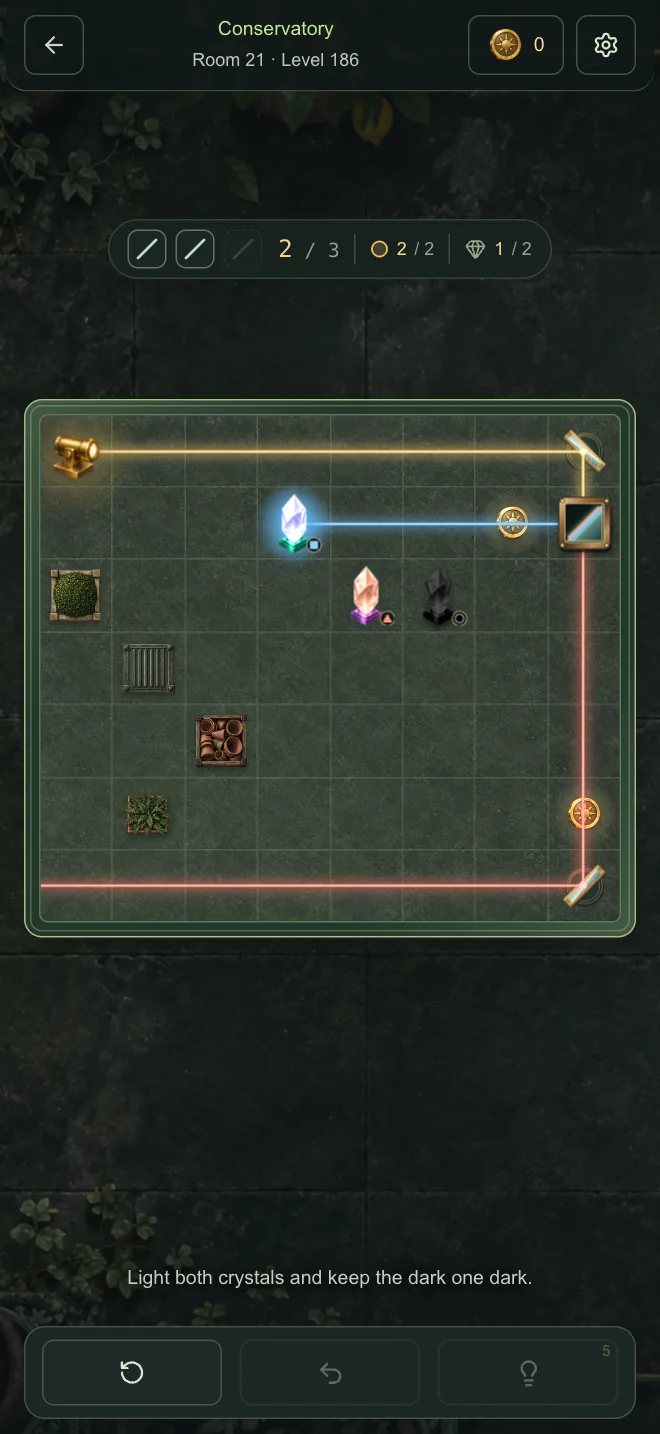
Lumen starts in an optics workshop and climbs through a prism laboratory to an observatory, a light tower and a conservatory. In the observatory, lenses change the color of the light, colored glass lets only the matching color through, and a button opens one passage while it closes another. In the light tower, portals carry the beam across the board and a splitter sends it two ways at once, so two crystals must light up together. In the conservatory, a prism splits the light into red and blue, and a dark crystal must stay dark.
IN THE APP
On iPhone, iPad and Android, the optics workshop is free to play. Lumen Unlimited is a one-time purchase, not a subscription. It opens the prism laboratory, the observatory, the light tower, the conservatory and every building still to come. If you reached a building before version 1.2, it stays open.
Finish a building and it offers walks: new puzzles made on the spot with that building’s pieces. Without Lumen Unlimited you get three walks a day. In the browser, the whole game is free.
LUMEN ON IPHONE
Solve puzzles to open the next room and climb from building to building. You can go back to any puzzle you have unlocked, and Continue always takes you to the first one you have not solved.
LUMEN ON IPAD
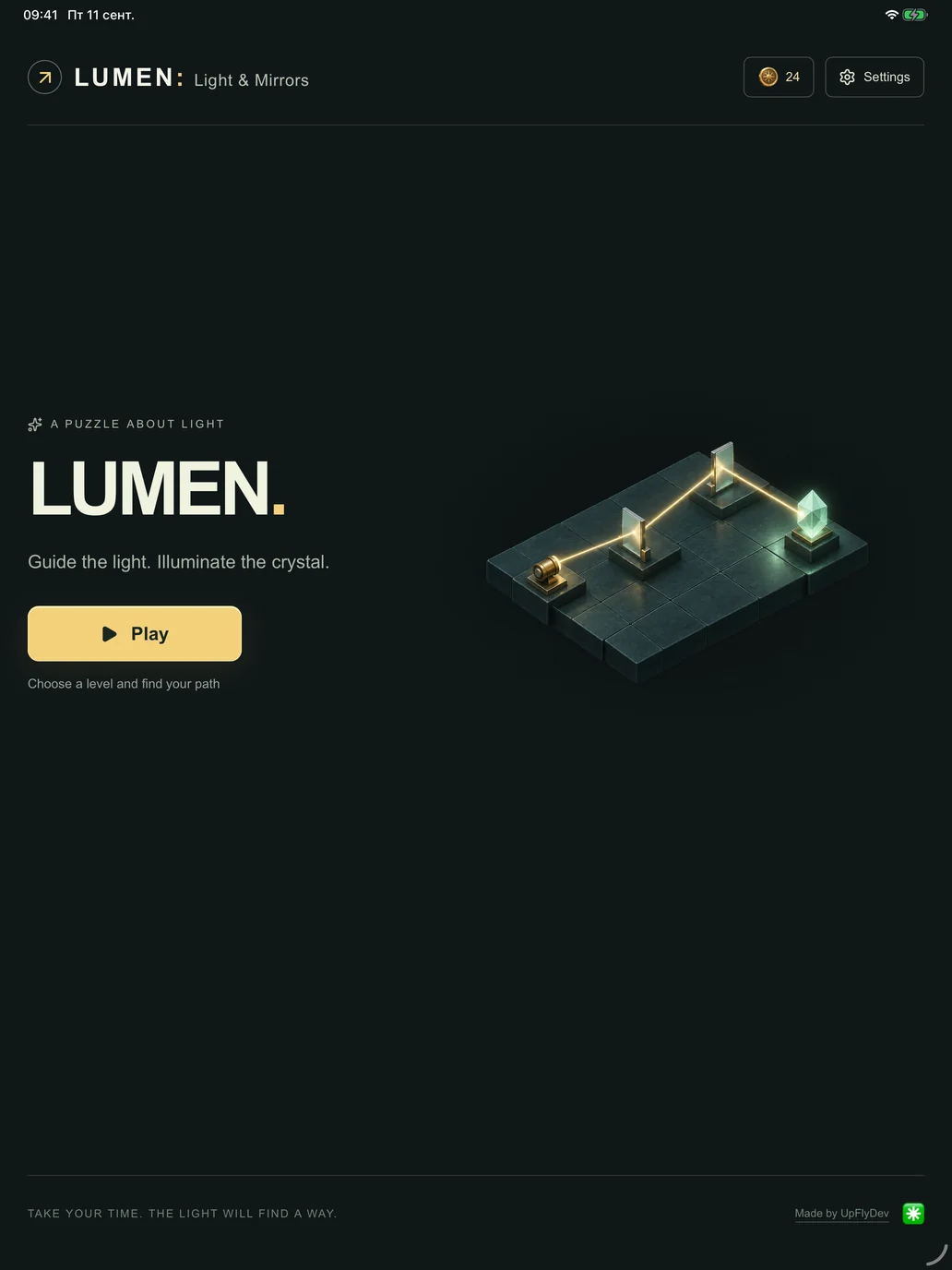
On iPad, the controls sit beside the board so you can see the whole path. These are screenshots from the iPad app.


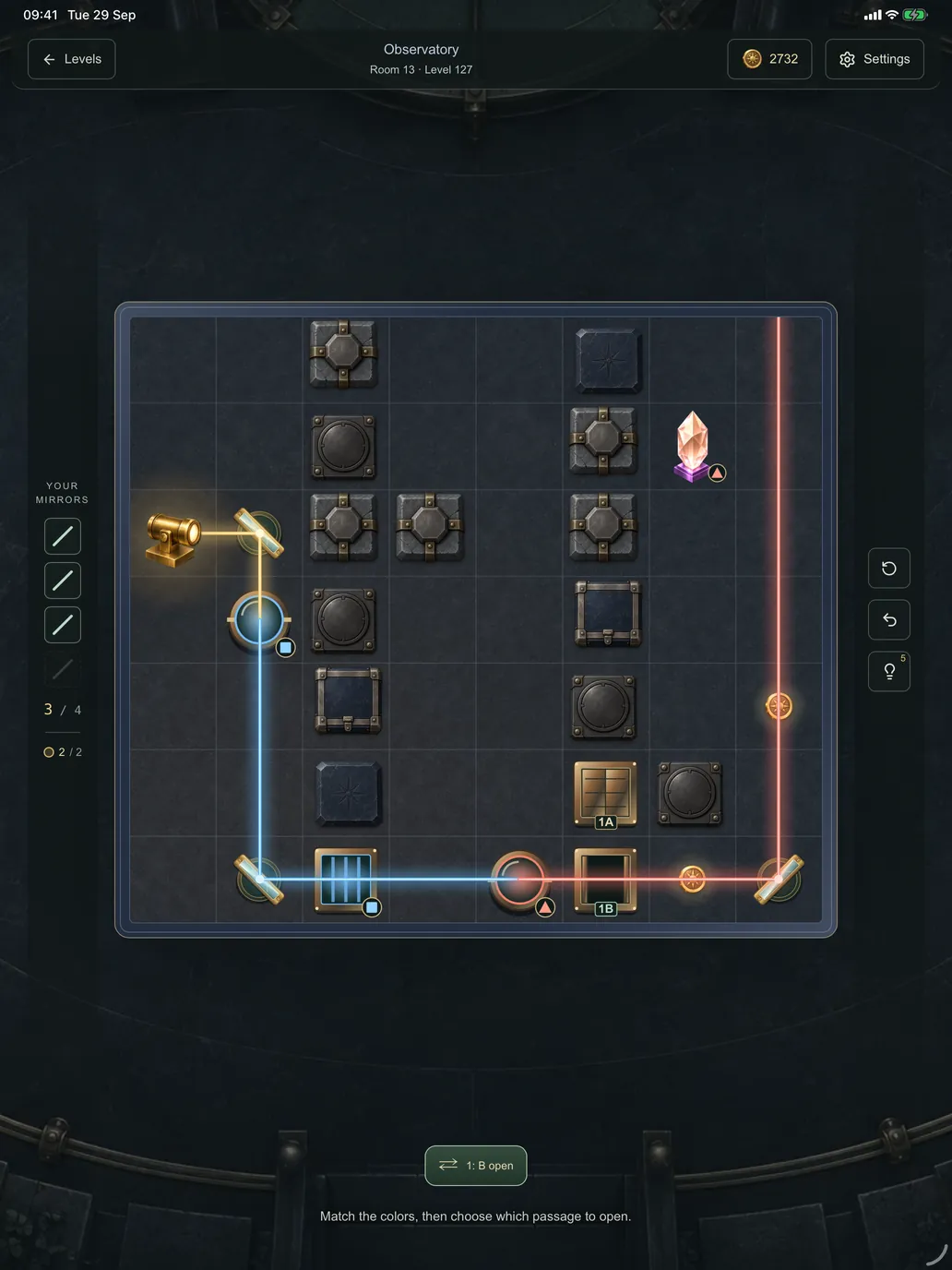
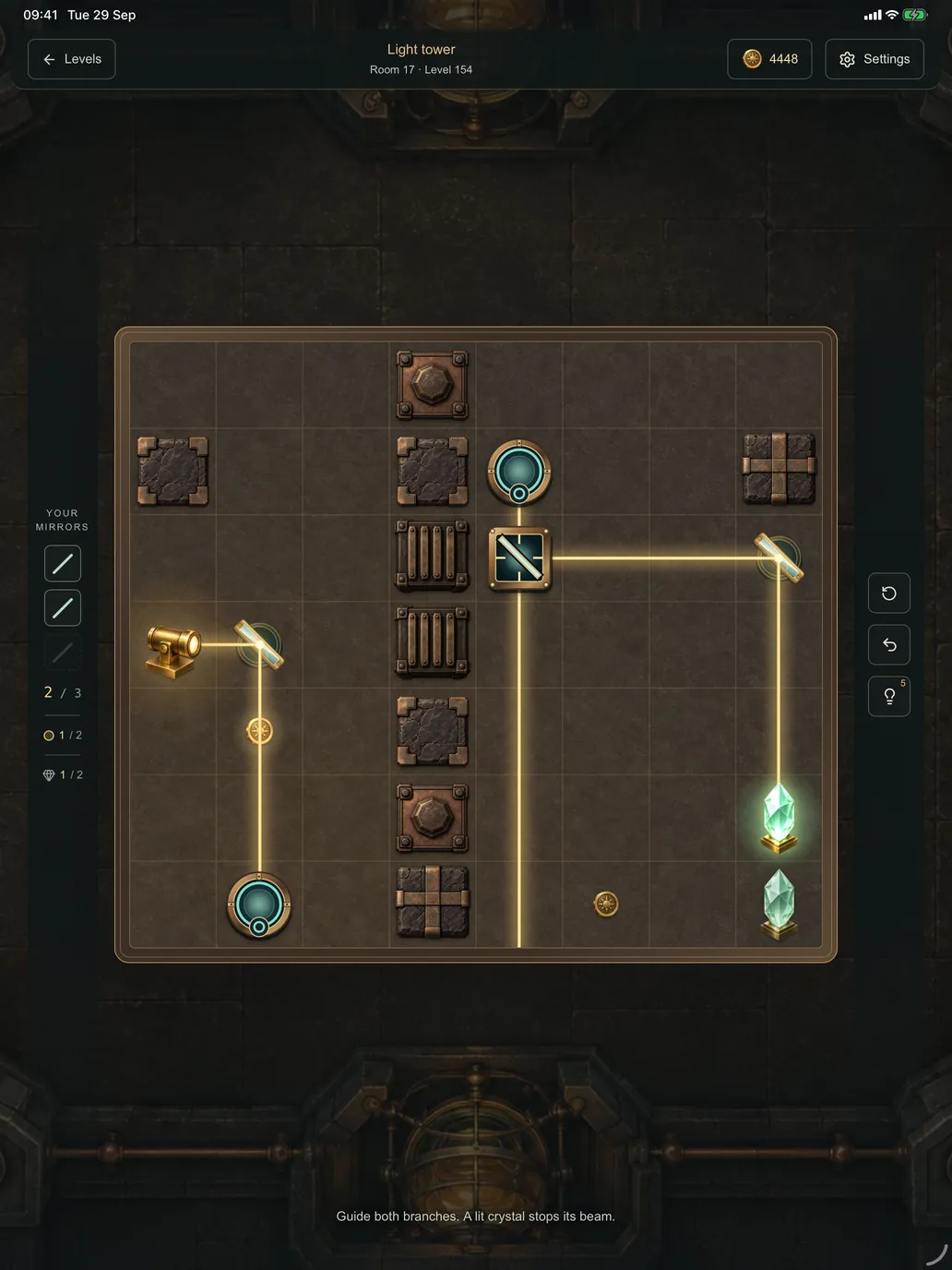

Play with a mouse or touch. Progress is saved in this browser, so you can come back later. On YouTube, Lumen is a Playable, and YouTube keeps your progress.
English · Polski · Українська · Русский
Prefer the app? Get it on the App Store for iPhone and iPad, or on Google Play. The optics workshop is free there, and Lumen Unlimited opens every building above it.